Assistants · 1 min read
Assistant insights
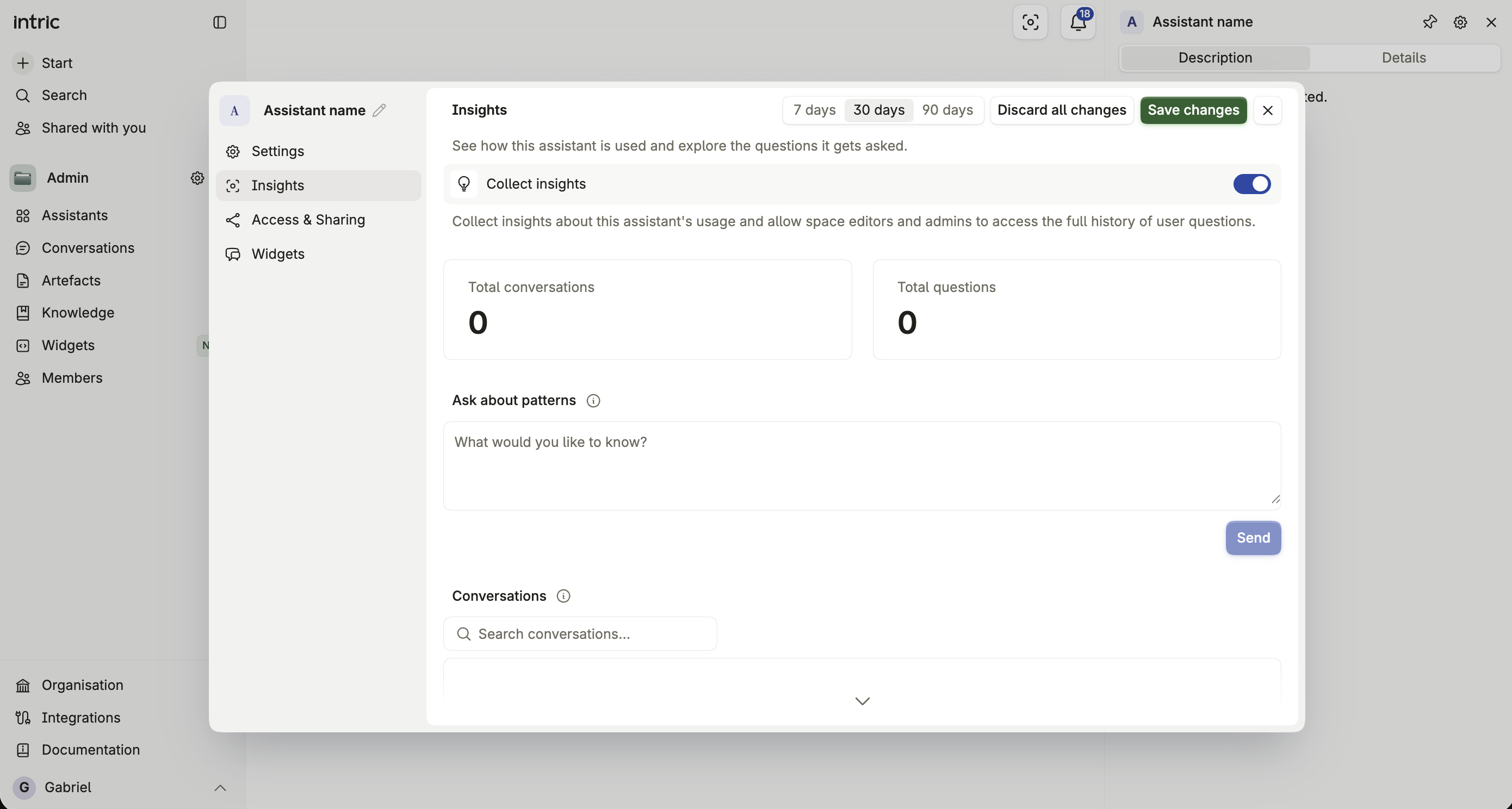
See how one assistant is used and explore the questions it is asked.
Insights on an assistant show how it’s being used and let people with edit access read the questions users have asked it. It’s switched on per assistant by a Space admin, and it can be disabled for the whole organization by policy.
What assistant insights show
Section titled “What assistant insights show”Message volume, active users, and — most notably — the questions asked and answers given, so a Space editor or admin can see exactly how the assistant is performing in practice.
Insights show only conversations that started after Insights was last switched on for the assistant. Switching it on never opens up the conversations people had before.
Who can see them
Section titled “Who can see them”Only a Space admin can turn Insights on or off for an assistant. Once switched on, Space editors and admins in that Space can see them — ordinary users don’t see other people’s conversations regardless of this setting.
How this differs from organization Insights
Section titled “How this differs from organization Insights”Assistant insights are scoped to one assistant and controlled by its Space admin. Organization-level Insights, under Administration, aggregate activity and usage across every assistant and Space at once, and are visible only to organization administrators. See Insights.
Privacy considerations
Section titled “Privacy considerations”Switching Insights on makes every user’s questions and the assistant’s answers from then on visible to Space editors and admins — including yours, if you’re a user of that assistant rather than someone administering it. Weigh that before enabling it on an assistant handling sensitive conversations.