Create an assistant
Data retention policy
Decide how long conversations with an assistant are kept before they are deleted automatically.
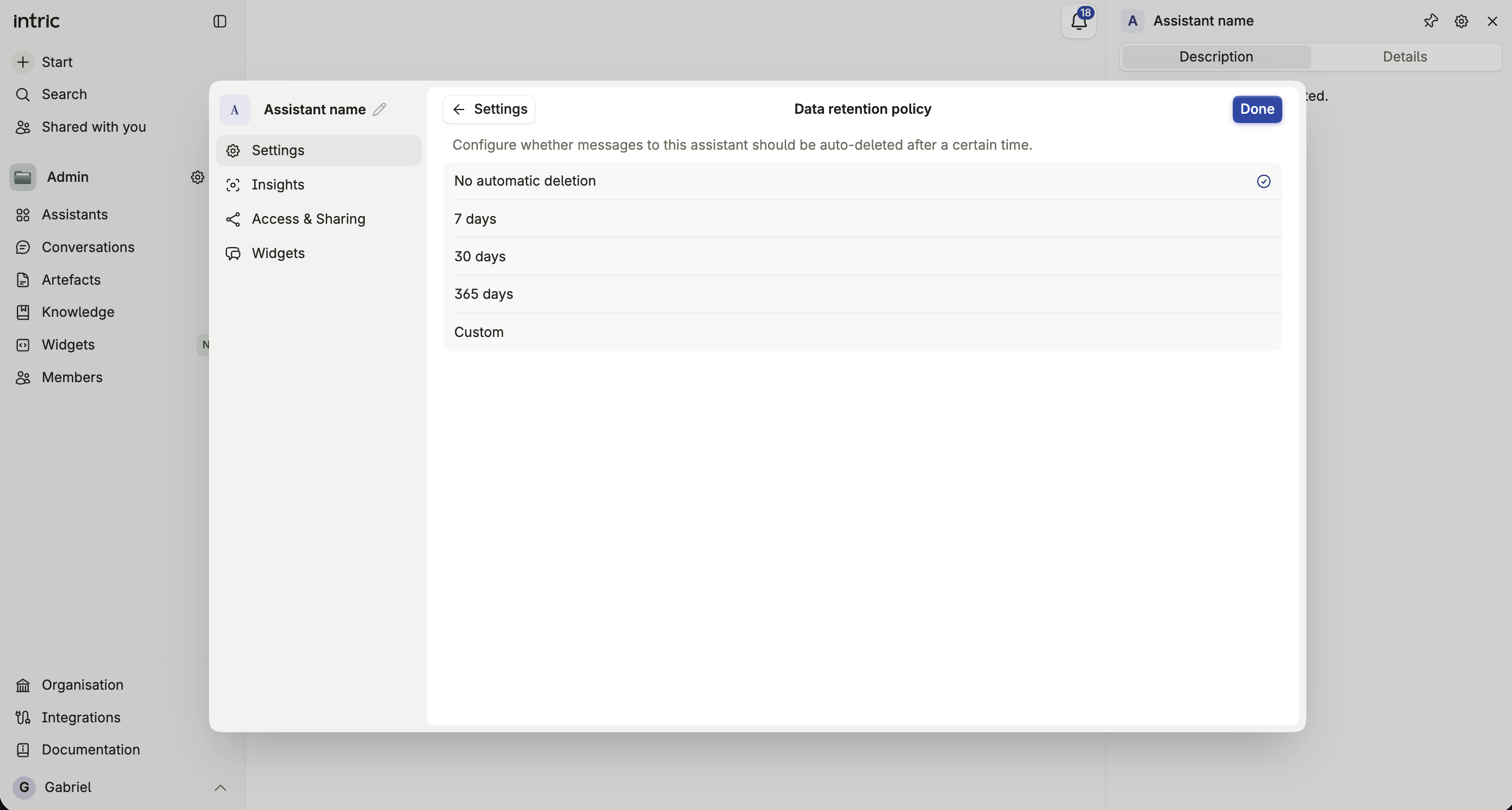
The Data section controls how long conversations with this assistant are kept. Setting a retention period means messages are deleted automatically once they reach that age, with no manual cleanup.
Choosing a retention period
Section titled “Choosing a retention period”Enter a number of days, or leave the field empty for no automatic deletion. There’s no fixed list of presets — you set exactly the number of days that fits the assistant’s purpose.
How your organization’s policy applies
Section titled “How your organization’s policy applies”Your organization can set an organization-wide maximum retention period as a policy. If it has, this assistant’s setting can’t exceed that maximum, even though the field itself accepts any positive number of days. See Data retention policy for how the two interact.
What gets deleted
Section titled “What gets deleted”Once a message reaches the configured age, it’s deleted permanently, along with its linked files and metadata. Once a conversation has no messages left, the conversation record itself is removed too. The deletion can’t be undone.