2 articles · 1 min read
Conversations
Find, filter and revisit your conversations, and understand how they relate to assistants and Spaces.
Every exchange with an assistant is a conversation, and the Conversations tab is the full history of yours across every assistant you can reach. It’s where you pick up something you left half-finished, or find an answer you know you got last month.
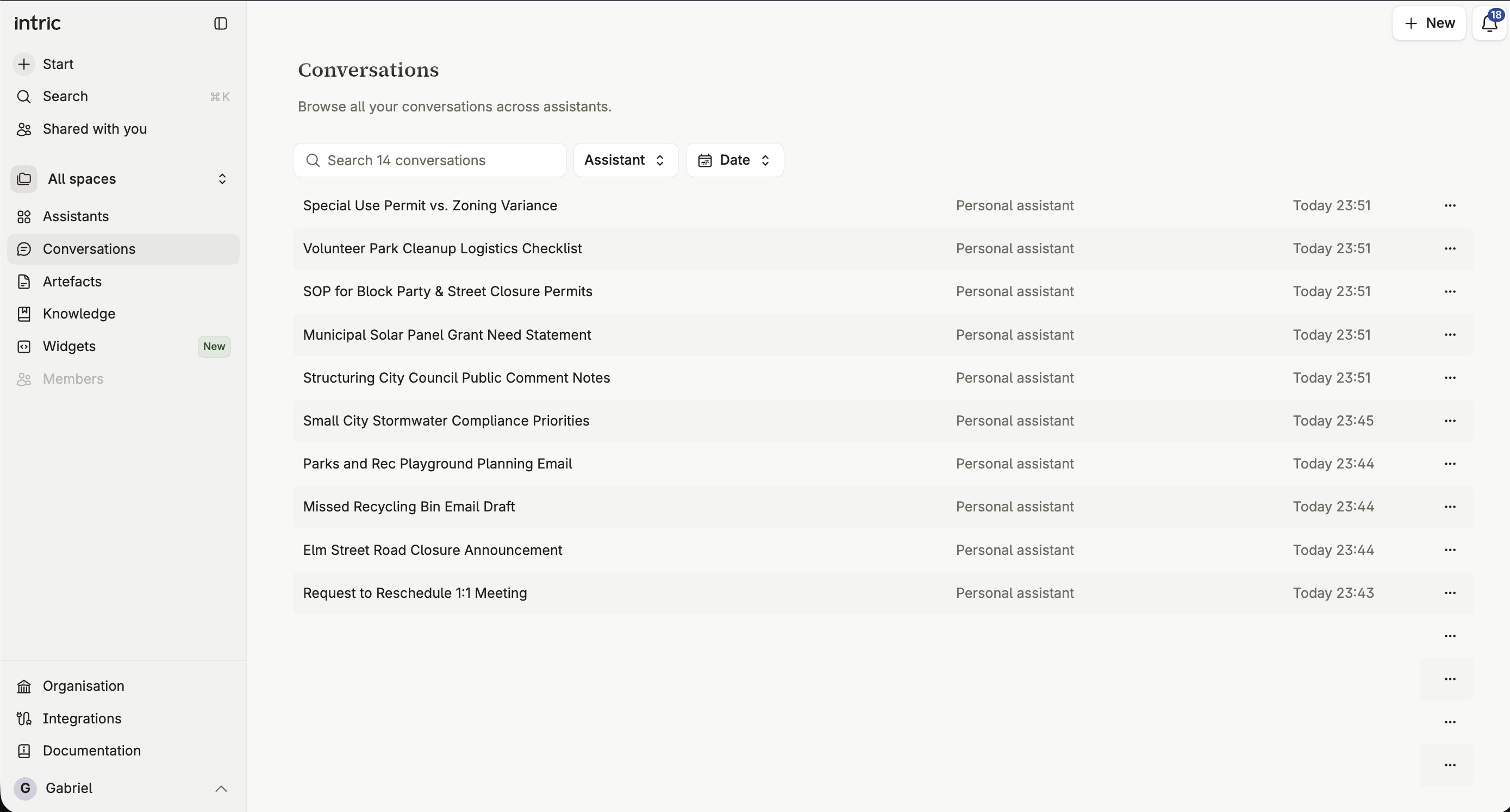
What the Conversations tab shows
Section titled “What the Conversations tab shows”Every conversation you’ve had, across every assistant, in one list — regardless of which Space the assistant belongs to.
Filtering and searching
Section titled “Filtering and searching”Search narrows the list to conversations matching your query. Combine that with the global search (Cmd+K / Ctrl+K) when you want to jump straight to a specific conversation from anywhere in the platform.
Leaving a conversation running
Section titled “Leaving a conversation running”You don’t have to sit and watch a long answer. The browser tab’s icon carries a dot while the assistant is working, when it needs your approval or an answer to a question, and when a reply finished while you were on another tab — so you can switch away and come back when the tab tells you there’s something to look at.
How conversations relate to assistants and Spaces
Section titled “How conversations relate to assistants and Spaces”Every conversation belongs to one assistant, and that assistant belongs to one Space. Switching the space picker in the sidebar filters which assistants — and therefore which conversations — you’re looking at; choosing All spaces shows everything at once.
Who can see your conversations
Section titled “Who can see your conversations”By default, only you see your own conversations. If a Space administrator switches on assistant Insights for a given assistant, editors and admins in that Space can then see the full history of everyone’s conversations with it — including yours. See Assistant insights.
Deleting a conversation
Section titled “Deleting a conversation”Deleting a conversation removes it and its messages permanently. It can’t be recovered afterward.