Introduction · 1 min read
My account
Your display name, personal preferences, AI spend, and platform version — all in one dialog, opened from your name at the bottom of the sidebar.
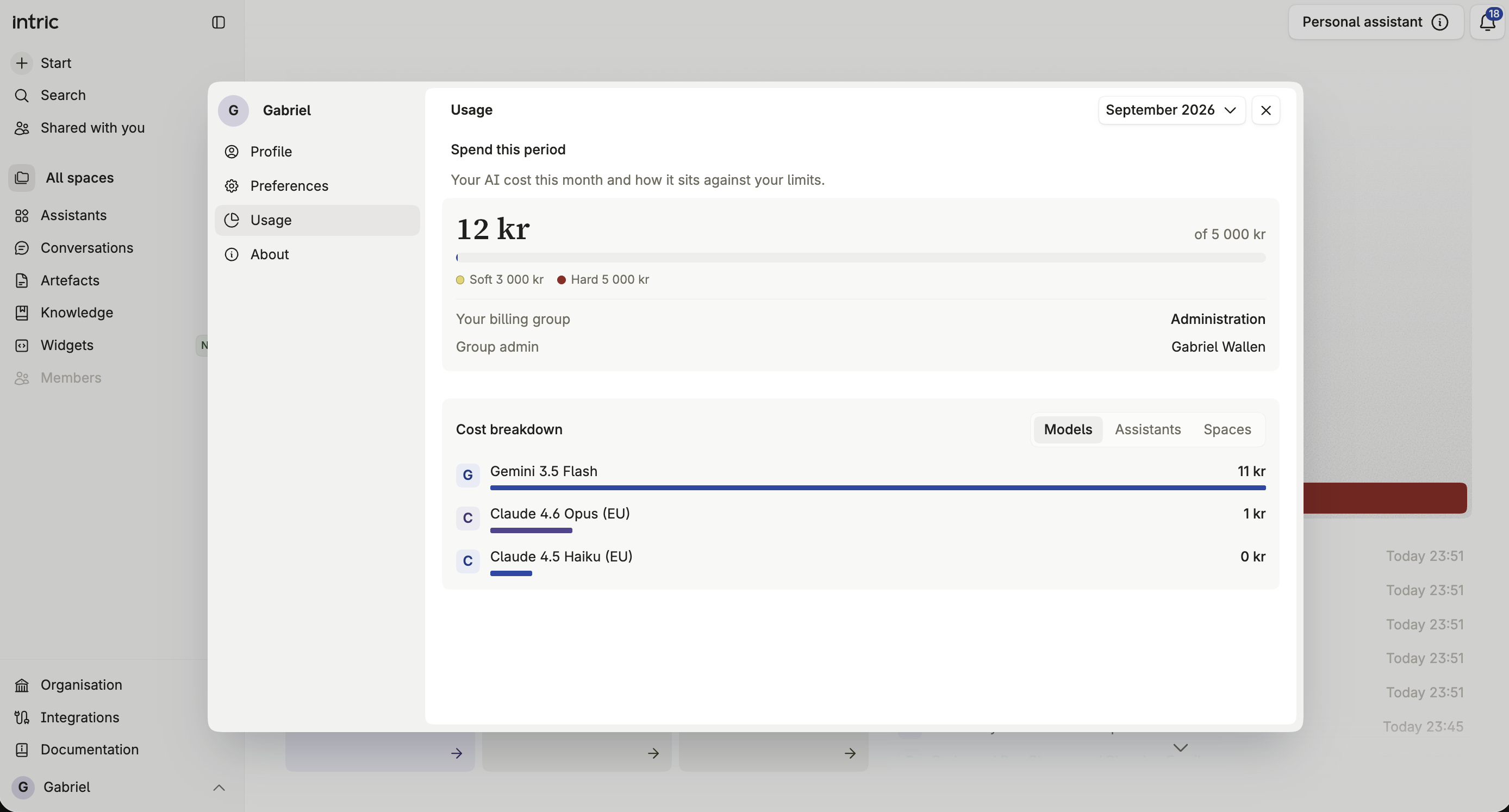
Click your name at the bottom of the sidebar to open My account — a dialog with four tabs: Profile, Preferences, Usage, and About.
Profile
Section titled “Profile”Your display name is normally pulled in automatically from your identity provider when you sign in through SSO. You can set or override it here at any time, so people see the name you want them to see regardless of what your organization’s directory has on file.
Preferences
Section titled “Preferences”Personal settings for how the platform behaves for you, separate from anything your organization configures centrally.
Usage shows what your own AI use has cost this period, measured against the soft and hard limits your billing group admin has set for you, plus a breakdown of that spend by model, assistant, or Space. It’s the same view a billing group admin sees for the whole group, scoped down to just you. See Your billing group for the full picture, including what happens if you hit your limit and how to request more.
Version and build information for your Intric installation — useful when reporting an issue or checking whether a feature you read about in the change log has reached your organization yet.