Create an assistant · 1 min read
Knowledge
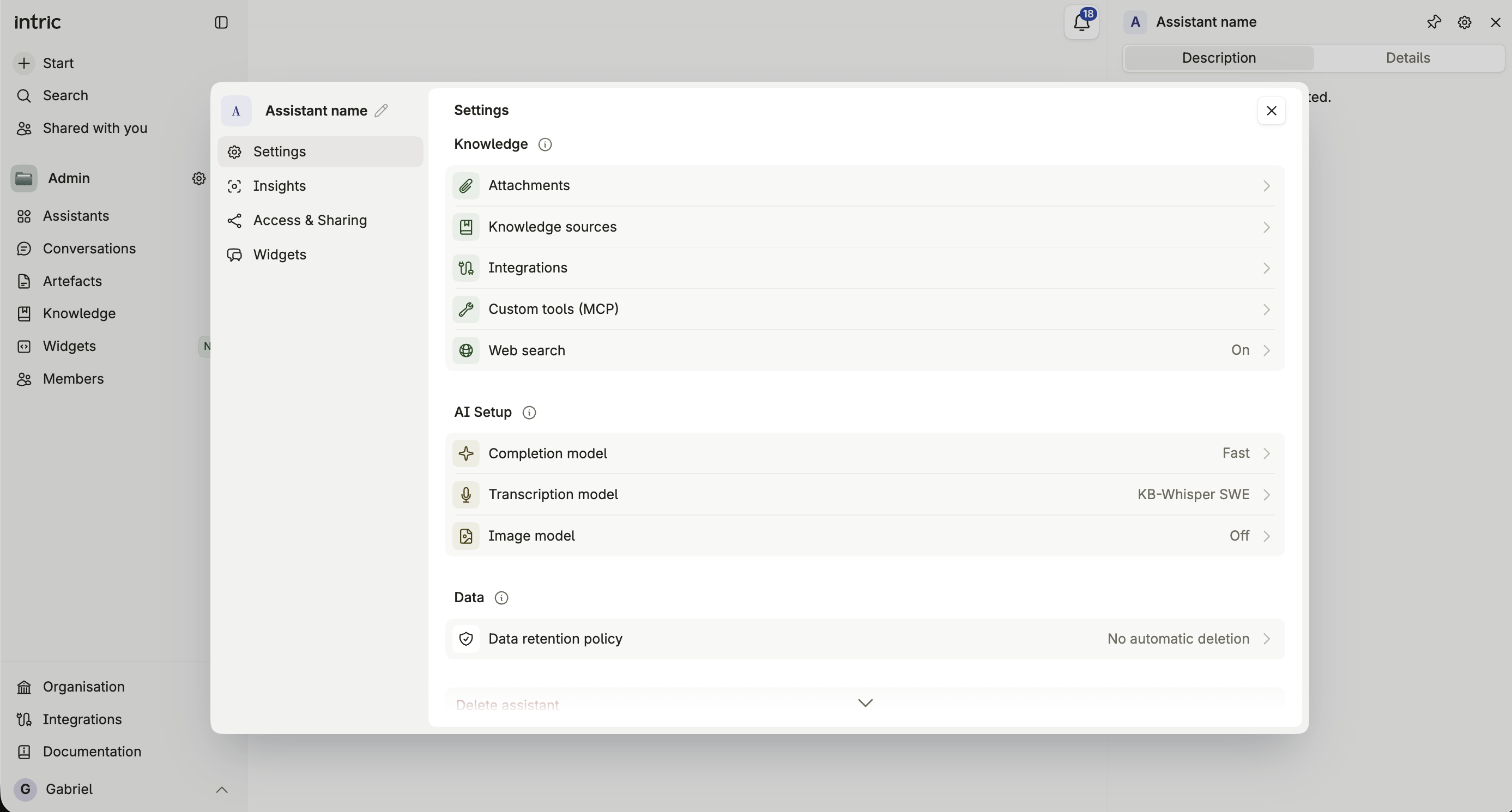
Add attachments, knowledge sources, knowledge tools and integrations to an assistant in the creation wizard.
The Knowledge step is where you give an assistant something to work from. That includes files it should always have loaded, sources it can search when a question calls for them, and connections to services your organization has enabled.
What you can add here
Section titled “What you can add here”- Attachments — files the assistant will always have loaded, in every conversation with it.
- Knowledge sources — existing sources the assistant can search on demand rather than holding open at all times.
- Knowledge tools — tools that let the assistant search external knowledge sources as part of answering.
- Integrations — connections to services your organization has enabled, such as SharePoint or Google Workspace.
- Custom tools (MCP) — shown only if your Space has custom MCP tools available to attach.
- Web search — toggle it on, optionally restricted to specific URLs instead of the whole web.
Which files you can attach
Section titled “Which files you can attach”| Limit | |
|---|---|
| File types | Documents: PDF, Word (.docx), PowerPoint (.pptx), Excel (.xlsx, .xls), CSV, text, Markdown, HTML, XML, JSON, YAML and source code. Also Office templates (.potx, .dotx) |
| Size per file | Up to 25 MB in the wizard. Up to 100 MB when you edit the assistant |
| Number of files | No limit |
Images and audio can’t be attached to an assistant. Upload them in a conversation instead. See Attachments for the full list of formats.
If a file is rejected
Section titled “If a file is rejected”If a file you attach here turns out to be an unsupported type or otherwise can’t be processed, finishing the wizard sends you back to this step with an explanation, rather than silently dropping it.