3 articles · 1 min read
Classifications
Create security classifications and use them to control which models and tools may handle which data.
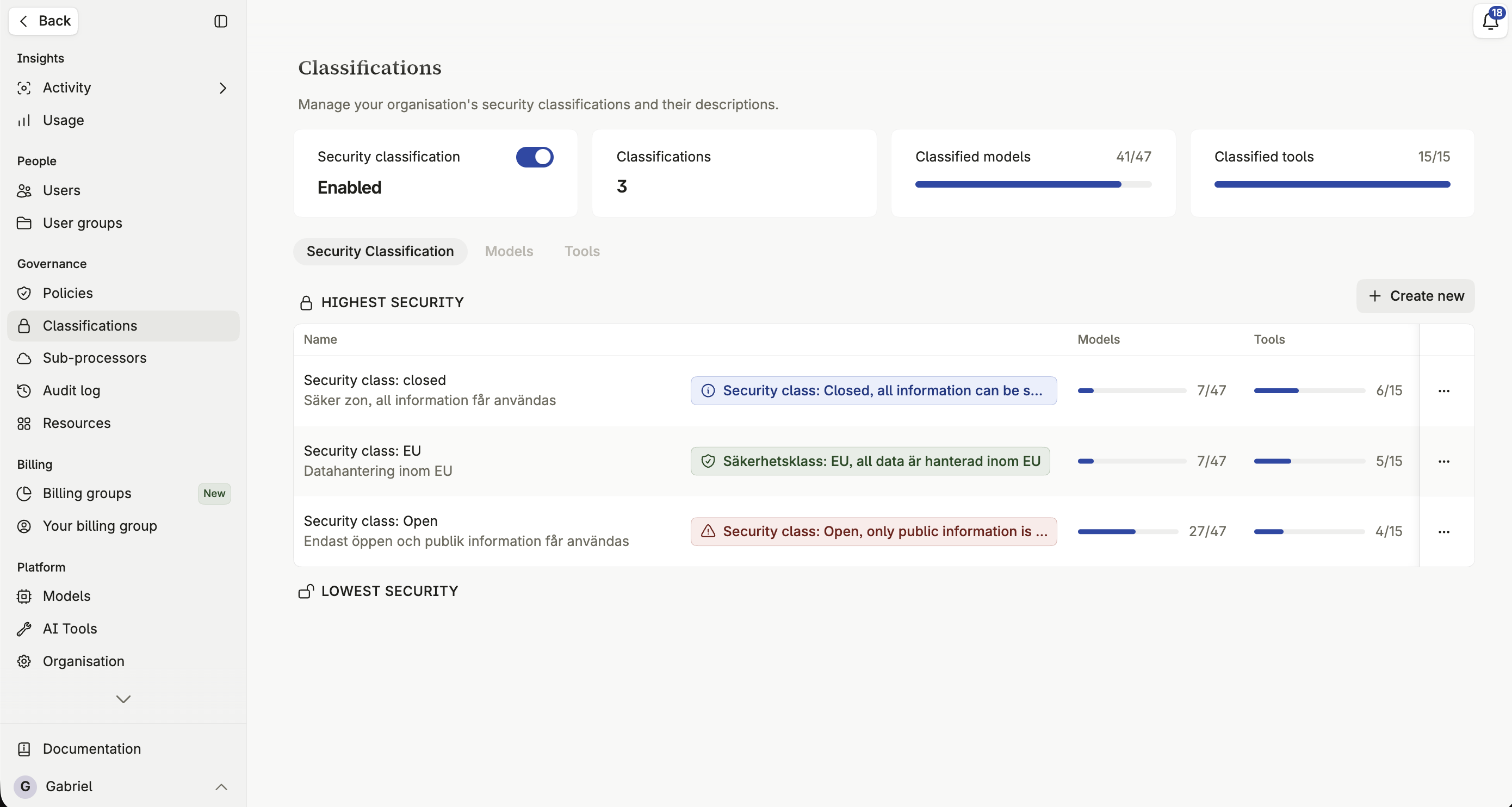
A security classification is a guardrail. You define the levels your organization works with, decide which models and tools qualify for each, and then classify each Space — after which the platform simply won’t offer an unqualified model there.
What classification protects you from
Section titled “What classification protects you from”Classification exists to stop sensitive information reaching a model or tool that isn’t appropriate for it. An American-hosted model in a Space classified for particularly sensitive data is one example; an integration your organization hasn’t reviewed for a given data type is another.
Enabling classifications
Section titled “Enabling classifications”Security classifications are enabled at the organization level. Once enabled, every Space needs a classification, and every model and tool needs one before it can be used anywhere classification applies.
What can be classified
Section titled “What can be classified”Models
Section titled “Models”Completion, embedding, transcription, and image models. See Model classification.
Built-in tools, integrations, and custom MCP tools. See Tool classification.
How a classification reaches a Space
Section titled “How a classification reaches a Space”A Space is assigned exactly one classification, set by its Space admin, which then filters which models and tools appear when building assistants in it. See Security classification.
Descriptions, colours and hints
Section titled “Descriptions, colours and hints”Give each classification a name, a description shown in its selector, a color, and an icon, so it reads consistently wherever it’s shown across the platform. You can also set a custom hint message users see when interacting with a resource carrying that classification.
Deleting a classification
Section titled “Deleting a classification”Disabling classifications
Section titled “Disabling classifications”Disabling security classifications for your organization removes model and tool restrictions from every Space at once. Consider this carefully before switching it off — it’s an organization-wide change, not a per-Space one.