Platform · 1 min read
AI Tools
Enable built-in tools, integrations and MCP servers, and control what each may do.
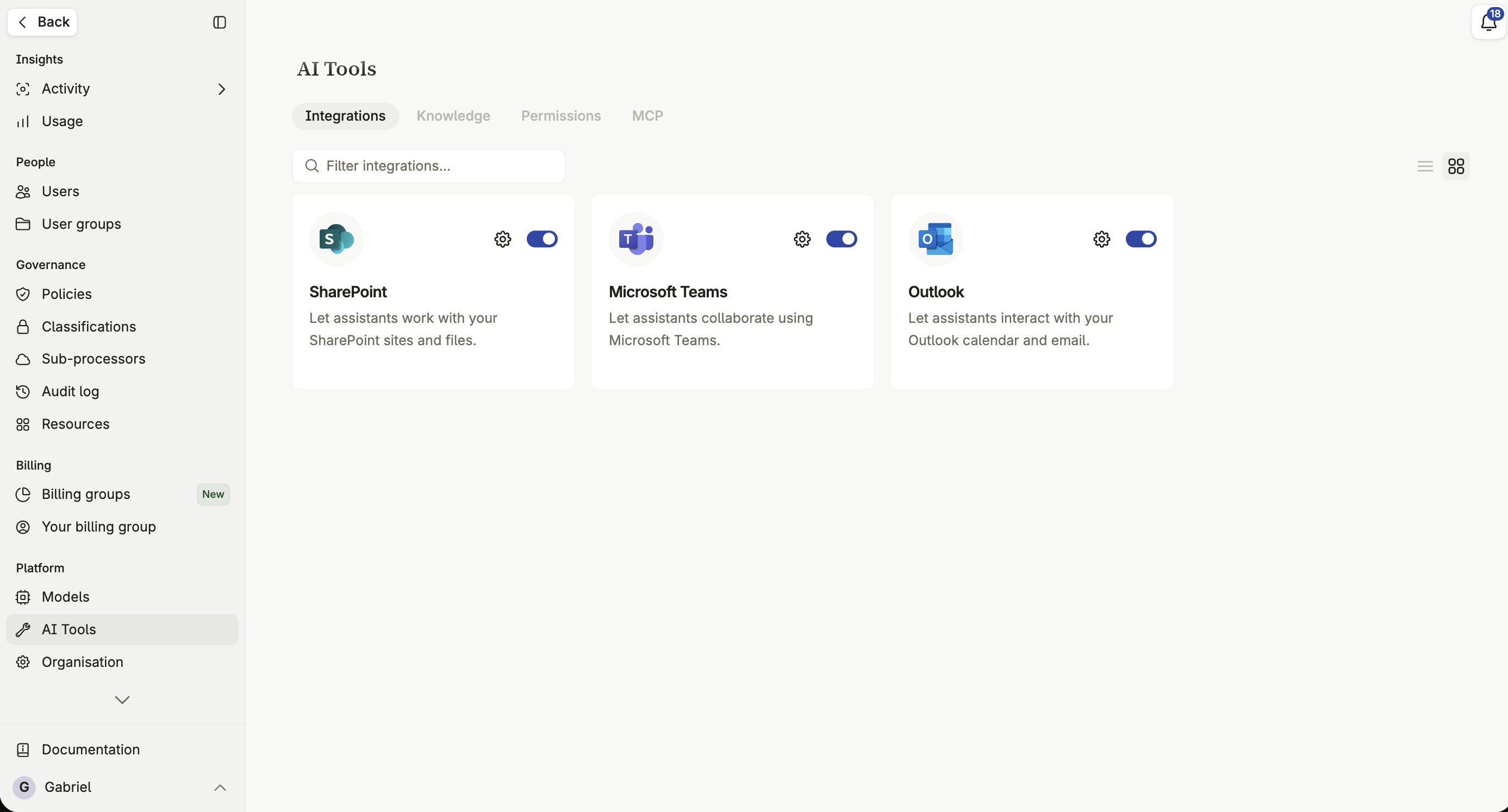
AI Tools is where you decide which capabilities exist beyond generating text — web search, integrations with services your organization uses, and your own MCP servers. For each one, you control whether it’s available, what it’s allowed to do, and who may use it.
What you can enable
Section titled “What you can enable”- Built-in tools — ready-made capabilities such as web search, built directly into Intric.
- Integrations — connections to services your organization already uses, such as SharePoint, OneDrive, or Google Workspace.
- Custom tools (MCP) — your own systems, connected through the Model Context Protocol.
Registering an MCP server
Section titled “Registering an MCP server”Register a server
- Name the server — this is what your colleagues will see in the tool list.
- Enter the server’s address. Intric connects to it and reads what it can do.
- Configure authentication, if the server requires it.
If Intric can’t reach the address you enter, it tells you the server is unreachable rather than silently failing.
Capabilities and approval
Section titled “Capabilities and approval”Each tool exposes one or more capabilities, and each one can be set independently.
Approval modes
Section titled “Approval modes”- Off — the capability is disabled entirely.
- Ask — the assistant must ask the user for approval before this capability runs.
- Auto — the capability runs without asking.
Letting users auto-approve
Section titled “Letting users auto-approve”Beyond your own default, you can allow users to decide for themselves whether a capability may run without asking — for a single assistant, or everywhere. Once a user turns this on for themselves, it can’t currently be revoked from their side; it would need to be reset centrally.
Authentication
Section titled “Authentication”Configure how Intric authenticates to a custom tool’s server — no authentication, an API key, or OAuth2, depending on what the server requires.
Making a tool available to the organization
Section titled “Making a tool available to the organization”A tool or integration only becomes usable once you switch it on for your organization; registering it doesn’t enable it automatically.
Classifying a tool
Section titled “Classifying a tool”Assign every enabled tool a security classification before it’s used anywhere, so it only becomes available in Spaces that qualify for it. See Tool classification.