Build Your First Assistant · 1 min read
Step 2: Instructions
Name, description, prompt, and example questions.
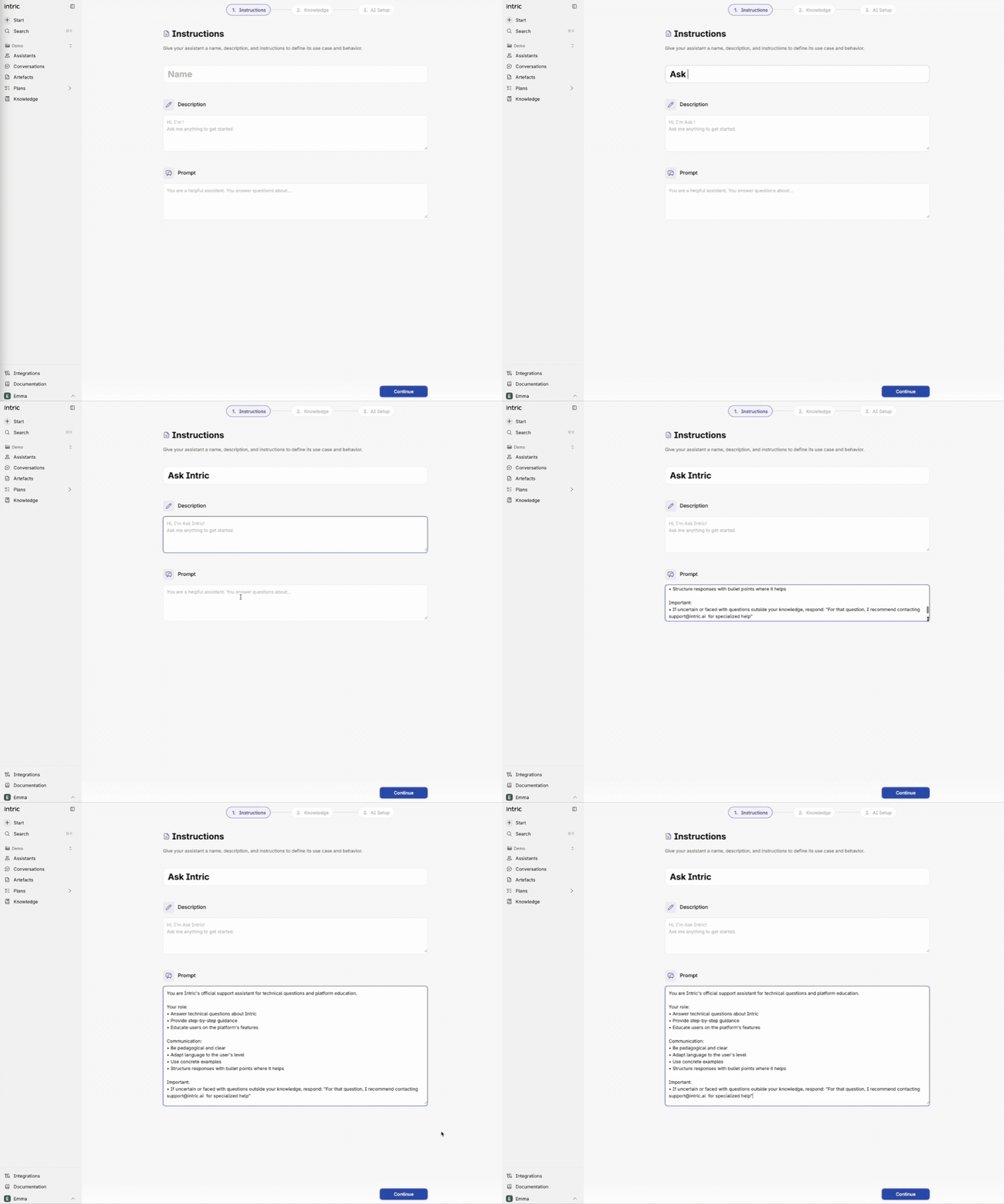
After clicking Create you land on the instructions view. Give the assistant a name and an optional description — the description is primarily for the user, for example a greeting or usage instructions.
The prompt controls behavior
Section titled “The prompt controls behavior”The only thing on this page that actually affects how the assistant behaves is the prompt. It describes what the assistant should do and how it should respond.
The prompt is always included in the model’s context window, meaning it is read through every time you ask a question. The context window is a limitation in all models — it determines how much the model can “hold in mind” at once. To learn more about AI fundamentals, take our AI course.
Under example questions you can provide suggestions that help users get started.
Tip 1: We have a dedicated course on how to write a great prompt!
Tip 2: Not sure what to write? Leave the prompt empty and create the assistant. Then tell it in chat what you want to build and ask it to help you draft a prompt — copy it and paste it into the settings as a first draft to test. There is also a dedicated prompt-writing assistant in the assistant library you can import and use.
Test your knowledge
What on the instructions page affects the assistant's behavior?