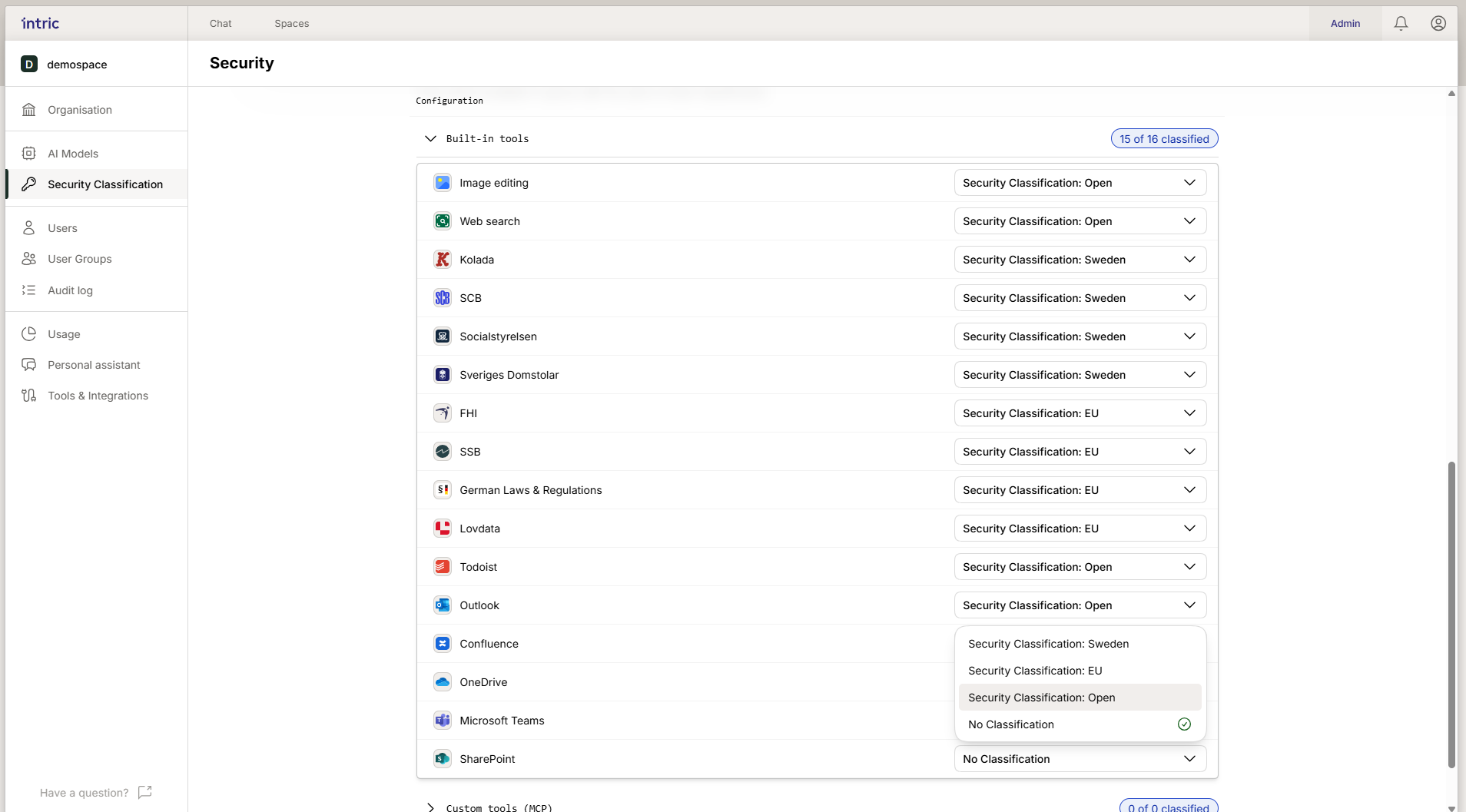
Tool Classification
Tools (what’s technically called integrations) let your assistants perform actions, such as searching the web or fetching data from an external system.
Integrated tools
Section titled “Integrated tools”These are ready-made tools that are built into Intric (e.g., Web Search).
Example: Web Search — When the Web Search tool is used, the assistant’s language model generates a search query that is sent to Intric’s European sub-processor LinkUp. Your original prompt, chat history, attached files, and personal data are never sent to the sub-processor. However, the AI-generated search query may reflect sensitive context from the conversation, which means an appropriate security class should be selected. The platform automatically blocks tools that have a lower security class than the current space.
Custom tools (MCP)
Section titled “Custom tools (MCP)”MCP (Model Context Protocol) is a standard for building your own, customized tools. It makes it possible for your organization to connect Intric with your own databases or business systems.
When you add a custom tool via MCP, you must manually assign it a security class. If the tool fetches data from a system with personal data, it should have a matching security class (e.g., Sensitive).